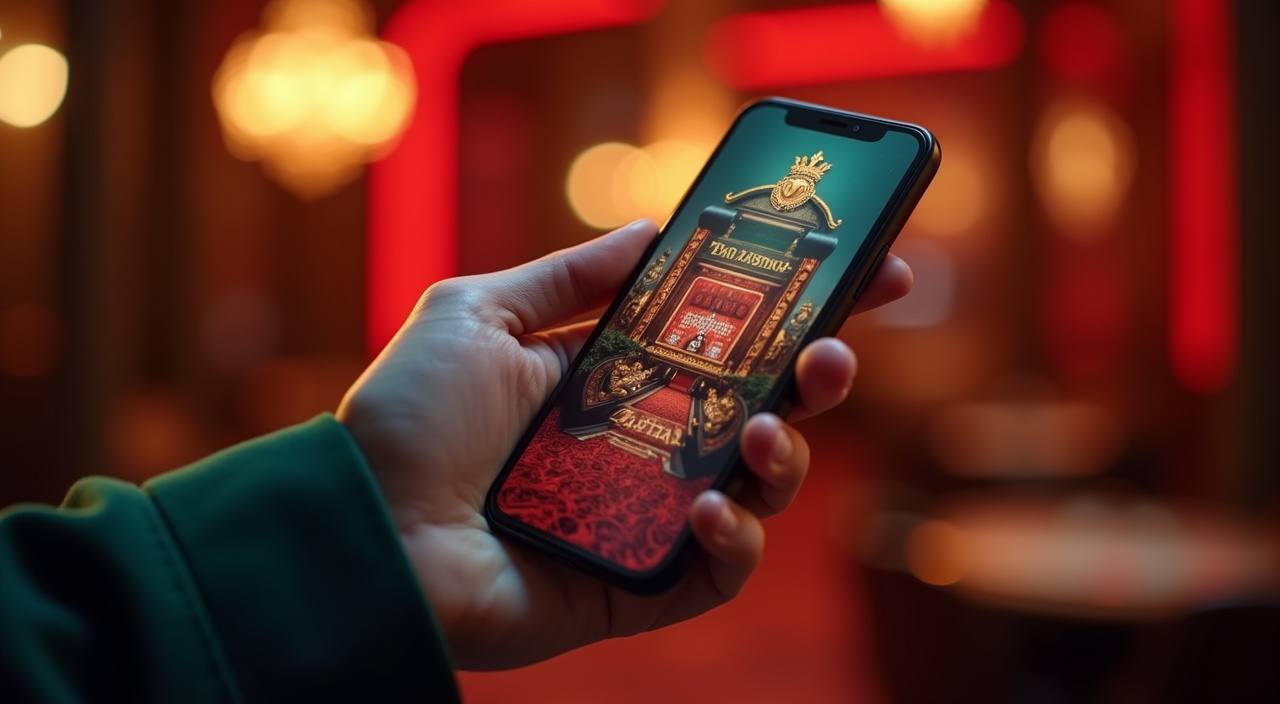
The omtohel app brings slots from CQ9 and Pragmatic Play, live casino tables, and sports betting including Liga 1 markets into one mobile-ready space — accessible through your browser or the current app build where available under local law. Open the account page to check what access format is active for your device and region today.
The omtohel app runs through a mobile-optimized browser session. Open omtohel in your phone browser and the layout shifts to fit your screen — no separate file needed for standard access. Check the site's device page for the current supported browser list.
Screen Layout
Navigation tabs sit at the bottom of the screen so your thumb reaches the lobby, wallet, and support sections without stretching. The game rail scrolls horizontally, and live table cards stack cleanly on smaller screens — the layout is built around portrait mode.
Account Requirements
You need a verified omtohel account to enter the game lobby through the app. The sign-in screen is the first thing you see after the splash — enter your registered credentials and your wallet balance loads on the home tab immediately after.
Supported Devices
Published device guidance is shown in your account settings under the Help section. We update that page when compatibility changes — check it there rather than relying on a fixed list here, since what is supported can shift across app versions.
App Build Availability
Whether a native app build is currently available depends on your region and what local law permits. The current availability status is shown on the download page at omtohel — that page reflects the live state, not a general claim.
APP HELP ROUTES
Get Help with the omtohel App
If the app stops loading, your session times out, or a game doesn't open as expected, the fastest path is the live chat icon on the bottom bar — it connects you to the Indonesia support team without leaving the app. For account-level issues that need a record trail, email gives you a reference number you can follow up on. The install guide covers browser setup, account linking, and what to do if the app page shows a region notice.
App Support Chat
Tap the chat icon from inside the app to reach the Indonesia support team directly. The chat handles session errors, game-loading issues, and account access questions. Response timing is shown at the top of the chat window when you open it.
Email Support
Send account and technical queries to the support email listed on the Contact page. Email is the right channel when you need a reference number — for example, a wallet discrepancy or a sign-in issue tied to your registered OVO or Bank Transfer details.
Install Guide
The install guide at omtohel walks through browser compatibility, how to add the site to your home screen, and how to link your account wallet after the first login. If the app page shows a regional notice, the guide explains what that means for your access.
ACCESS TRUST CHECKS
Verify Your App Access Stay Safe
Mobile access is only as secure as the habits around it. Before you enter your credentials, confirm you are on the current omtohel domain — the address bar is the fastest check. Published device guidance lives inside your account, not on a third-party page. Keep your login credentials private and use the account recovery path shown in the Help section if you ever lose access.
Verify the Domain
Before logging in, check that your browser address bar shows omtohel. Bookmark the verified address after your first session so future visits go straight to the right page without a search. This one step removes the most common mobile phishing risk.
Published Device Guidance
Device compatibility details are published in the Help section of your account dashboard — not on external review pages. When the app updates or region availability changes, that is where the current information appears. Check it there after any major update.
Protect Account Credentials
Your omtohel login is tied to your OVO or Bank Transfer wallet details. Do not share your password or session token. The app does not ask for your payment PIN — if a screen requests it outside of a deposit flow, leave that page and contact support immediately.
Account Recovery Path
If you lose access to the app — wrong password, expired session, or a device change — use the recovery link on the login screen. The published steps take you through identity verification using the details you registered with. Support chat can assist if the recovery flow stalls.
INSIDE THE APP
What the omtohel App Puts in Front of You
Open the app and the first screen is the lobby — a horizontal rail of game categories across the top, with featured titles like Aviator Mobile Play and Fishing War Mobile Play sitting in the first row. The bottom navigation bar carries four tabs: Lobby, Live Casino, Sports, and your Account. Switching between a Habanero slot session and a live table from Pragmatic Play takes one tap, and your wallet balance updates across both without a page reload. The Help page is reachable from the Account tab at any point — it does not require you to exit your current game.
RENDERED PAGE FEATURES
App Page Behavior Worth Knowing
The omtohel app is built around what your phone browser actually renders — not a list of aspirational features. The four points below describe observable page behavior: what you see, where controls sit, and how game and account pages load on a mobile screen. Nothing here claims functionality that requires a native app install or a specific store listing.
Thumb-Reach Navigation
The four core sections — Lobby, Live Casino, Sports, Account — sit in a fixed bottom bar. Every main action is reachable without scrolling back to the top. This applies in both the game lobby and the account wallet view, keeping the flow consistent across sections.
Single-Tap Game Entry
Tap any game card in the lobby and the game opens in the same browser tab — no new window, no redirect page in between. Titles like Live Baccarat Table and Wheel of Fortune Spin load into a full-screen frame that fills the phone display in landscape or portrait.
Account Wallet on the Home Tab
Your wallet balance is visible on the Account tab immediately after sign-in. The balance shown reflects your current state — the same figure you would see if you opened the desktop version. Deposit records link to the OVO, LinkAja, or Bank Transfer transaction that funded them.
Help Access Without Leaving
The Help section opens as an overlay inside the app rather than a new browser tab. You can read the install guide, check device notes, or open the support chat while a game session is paused — without losing your place in the lobby or closing the game.
FIRST SESSION STEPS
Mobile Access in 3 Steps
Getting into the omtohel app from a phone is a short path. Step one: open omtohel in your mobile browser — Chrome on Android and Safari on iOS both render the full layout. If you want the icon on your home screen, use your browser's 'Add to Home Screen' option and it behaves like an app shortcut from that point. Step two: check that your browser is current — the mobile layout and game frames depend on a browser that supports modern CSS and JavaScript.
Open the Current Site
Go to omtohel in your phone browser. The mobile layout loads automatically — no separate address, no app store search required for browser access. Bookmark this address after your first visit.
Check Browser Compatibility
Review the supported browser list in the Help section if pages are not rendering correctly. An outdated browser is the most common cause of display issues on the mobile layout — updating it usually resolves them without any change to your account.
Sign In Securely
Enter your registered credentials on the login screen. Your account wallet — linked to OVO, LinkAja, or Bank Transfer depending on your deposit setup — loads on the Account tab. From there the full lobby is one tap away.
Verify Regional Access
If a notice appears about regional availability, check the status page linked in that notice. Access to certain game categories depends on local law and eligible regions — the current state is shown on that page, not assumed to be universal.
APP QUESTIONS ANSWERED
Common Questions About the omtohel App
Below are the questions we hear most from people setting up the omtohel app for the first time — covering access format, device behavior, wallet linking, and what to do when something does not load as expected.
Is the omtohel app available to download from the Play Store or App Store?
Whether a native app build is currently listed in a store depends on your region and local law. The current availability — browser access, downloadable build, or both — is shown on the app page at omtohel. Check that page for the live status rather than searching the stores directly.
Which browsers work with the omtohel mobile app?
The mobile layout is tested on current versions of Chrome for Android and Safari for iOS. The full list of supported browsers is in the Help section of your account. If your browser is more than a couple of versions behind, updating it resolves most display and game-loading issues without touching your account settings.
Can I use OVO or Bank Transfer to deposit through the app?
Yes — your wallet options including OVO, LinkAja, and Bank Transfer are available from the Account tab after sign-in. The deposit screen shows the current methods active for your account. Each transaction is logged in your wallet history with a reference you can use if you need to contact support about a specific transfer.
Why is a game not loading after I tap it in the app?
The most common causes are an outdated browser, a slow mobile connection, or a session that has timed out. Refresh the page first, then check that your browser is current. If the game still does not open, the App Support Chat — accessible from the bottom bar — can check your session status and the game's availability in your region.
How do I add the omtohel app to my phone's home screen?
In Chrome on Android, open the menu and tap 'Add to Home Screen'. In Safari on iOS, tap the share icon and select 'Add to Home Screen'. The shortcut opens omtohel directly in full-screen mode. This is a browser shortcut, not a native app install — it works even in regions where a store listing is not available.
What should I do if I cannot log in to the omtohel app on my phone?
Use the recovery link on the login screen — it takes you through verification using the details registered to your account. If you complete the recovery steps and still cannot access the account, email support or open the chat from the Help section. Include your registered contact detail so the team can locate your account record quickly.
 Slots / Sports